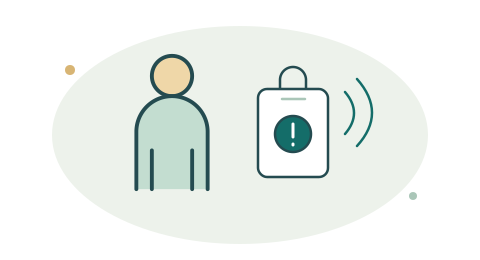
Discreet mobile activation
Use the mobile app or a paired wearable to request assistance during a property visit. Test phone connectivity, permissions, and pairing before relying on the workflow.
Explore mobile safetyReal Estate
Give agents a discreet way to request assistance, connecting their identity, available phone GPS, property context, acknowledgement, and response status through Wired4Safety Mobile and Command.

Connected safety at work
Plan assistance for agents meeting clients, entering vacant properties, and travelling between appointments.
Use the mobile app or a paired wearable to request assistance during a property visit. Test phone connectivity, permissions, and pairing before relying on the workflow.
Explore mobile safety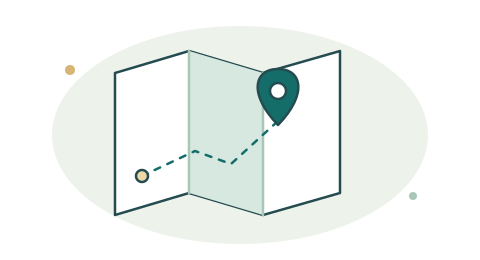
Include agent identity, available phone GPS, and supplied visit details with the request. Give designated contacts the property information they need to act.
Explore location context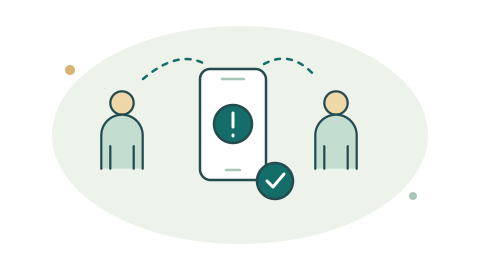
Agree who receives an agent alert and who takes over if they are unavailable. Keep acknowledgement and response status visible through Command.
Follow the response workflow
Keep acknowledgement and response activity with the incident. Set access permissions around the agent, brokerage, and people responsible for assistance.
Explore response recordsTHE WORKING ENVIRONMENT
PRIORITIES TO PLAN FOR
AN EXAMPLE WORKFLOW
Location, connectivity, and response routing depend on the configured system.
MOBILE SAFETY. SHARED RESPONSE.
Plan mobile or paired wearable activation with Wired4Safety Mobile. Bring available agent and property context into Command so designated contacts can review the request, acknowledge it, and follow response activity.
Agree who receives an alert, who takes over if a contact is unavailable, and which property details responders need. Test phone connectivity, location permissions, app state, and any paired device before rollout.
LET’S CONNECT THE NEXT STEP
Map your equipment, your people, and the response you want to support.