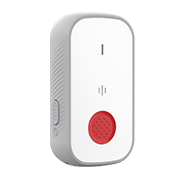
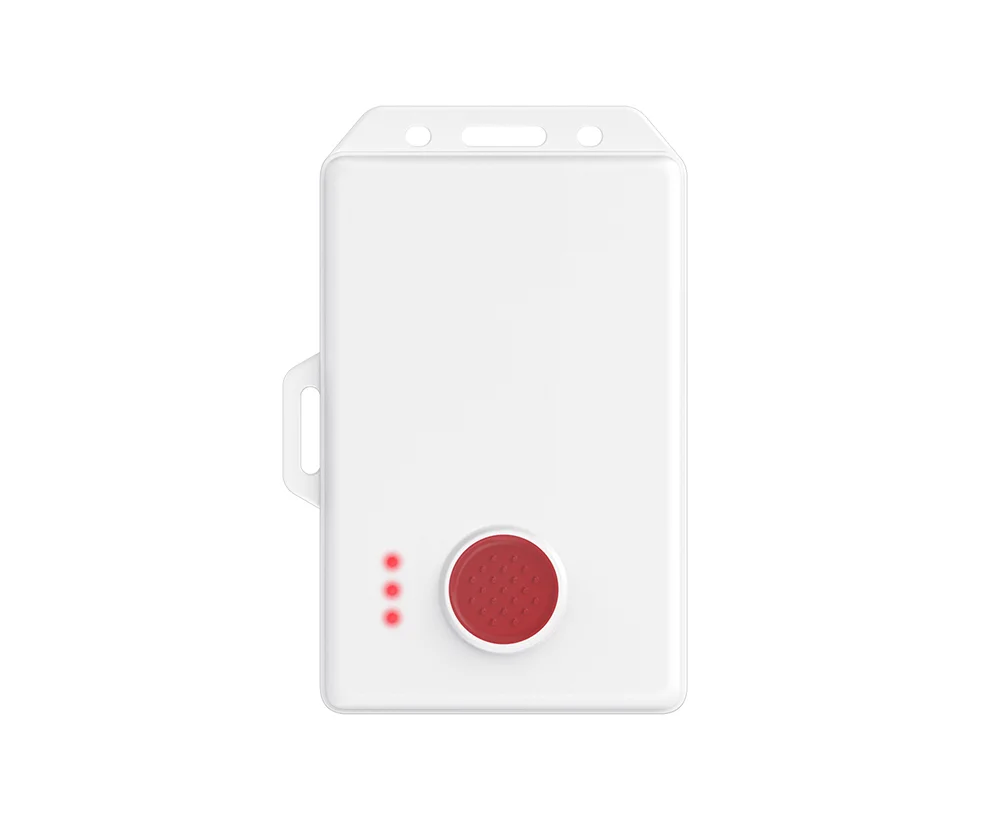
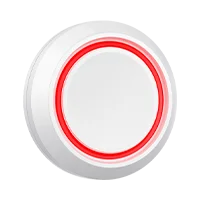
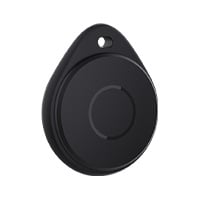
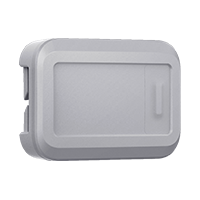
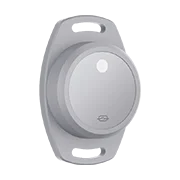
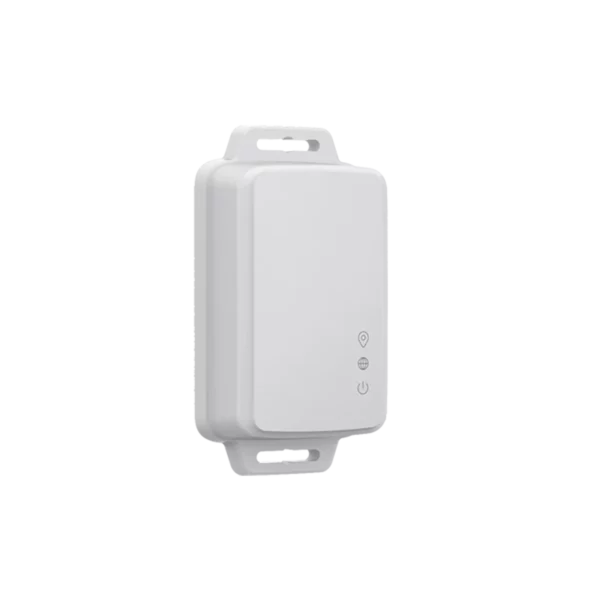
PURPOSE-BUILT FOR THE PEOPLE ON SITE Staff Badge Goes with your team LivePoint Standard Stays within reach Gateway Connects the siteDevice views shown at different scales.
Built around your peopleIndoor context + outdoor GPS¹LoRaWAN + BluetoothPlanned for your installation
START WITH THE WHOLE SOLUTION
A package for the way you work.
Four deployments, each built around a specific environment. Explore the components, connection path and installation needs together.
PACKAGE 01
Rooms · hallways · shared spaces
Indoor Safety
Give every room a way to call for help.
Wearable and fixed alerts, indoor location references, and the infrastructure that connects them to your response team.
Beacon quantities, fixed-button placement and radio coverage are planned for your floor plan. Software configuration and response ownership are part of deployment. Standard LivePoint is indoor-only.
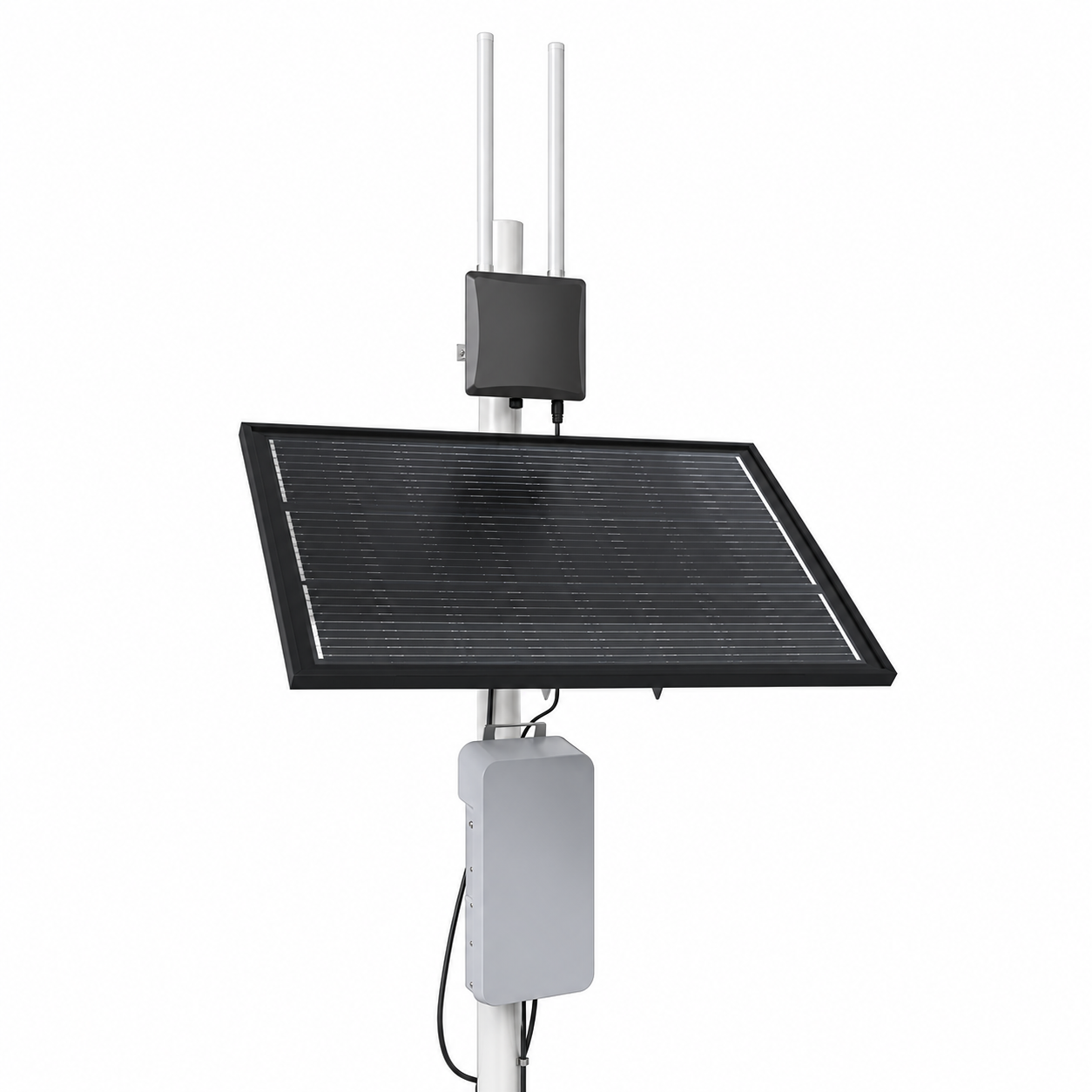
The matched solar battery system powers the gateway; never connect the panel directly to it. Runtime depends on sunlight, climate and load. Room Beacons and Backup Receivers are not used in this outdoor configuration. Premium environmental ratings are confirmed for the selected assembly.
The badge must stay within Bluetooth reach of its paired phone. Phone connectivity, permissions and app setup are required. This package does not require a site or vehicle gateway.
Planned cellular service and response configuration
Connection & installation +
Nearby Staff Badge
Vehicle Gateway
Site Hub + cellular
Configured responders
The hub hosts the local server; a separate mini PC is not required in this configuration. Secure mounting, power regulation, cable routing, antennas, coverage and cellular service are specified for the vehicle.
Browse the core collection and additional MOKO hardware options. New device integrations, radio regions and enabled features are confirmed for each project.
16 products
No matching products
Try a different name or reset the filters.
01Personal & fixed alerts
Wearable alert button
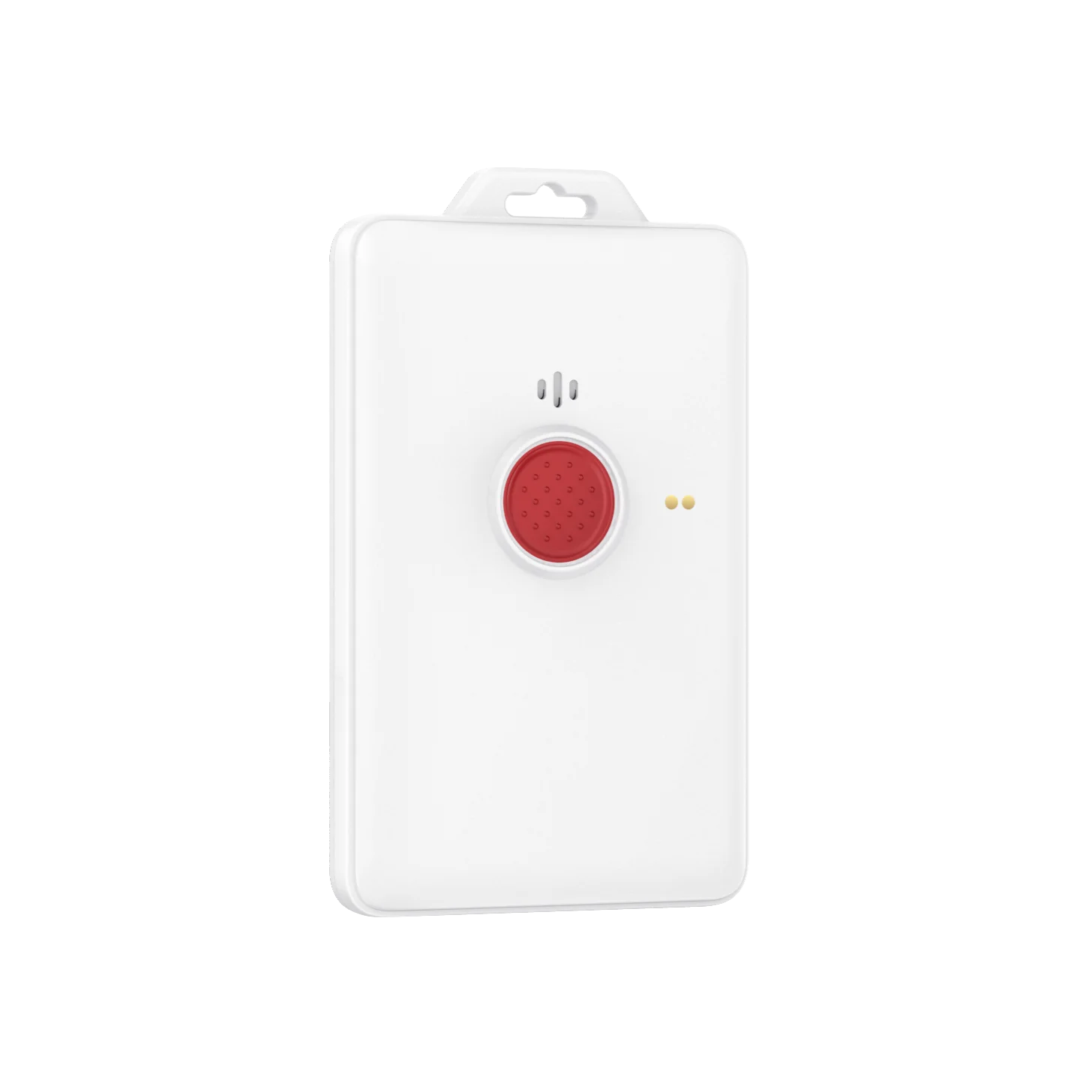
Staff Badge
A button that moves with your people.
A wearable alert button for people moving around your site. Room Beacons provide indoor context; onboard GPS supports outdoor location. A phone-connected path uses Bluetooth and the mobile app.
Connection
LoRaWAN + Bluetooth
Placement
Indoor room context / outdoor GPS
Specifications & installation +
Radio
LoRaWAN 1.0.3
Bluetooth
BLE 5.0
Location hardware
BLE, Wi-Fi and GPS capabilities¹
LoRa transmit power
Up to 21 dBm
BLE transmit power
Up to 8 dBm
Battery
1,500 mAh rechargeable
Charging
Magnetic charging connection
Dimensions
96.5 × 61.6 × 10 mm; body only
Overall dimensions
103.3 × 68.4 × 11.8 mm; including lugs
Weight
70 g
Ingress protection
IP67
Operating temperature
−20 to +60°C
Operating humidity
5–95%; non-condensing
Alert indication
Vibration, speaker and LED
Indoor battery life
Up to 1 year; GPS off*
Outdoor battery life
Up to 90 days; GPS on*
Alert connection
Badge alerts use the site radio network. For phone-connected assignments, Bluetooth links the badge to the mobile app and the phone sends the alert.
Location context
Room Beacons provide indoor reference points. Outdoors, the badge uses onboard GPS. The mobile phone path uses the phone’s GPS.
Battery planning
Up to 1 year indoors with GPS off; up to 90 days outdoors with GPS on. These are source documentation estimates; settings, reporting frequency and use affect runtime.
¹Location methods depend on the configured deployment. Mobile alerts require a paired phone and its connectivity. Battery life varies with configuration, GPS use and reporting frequency. Hardware ratings are not coverage guarantees. *Source documentation battery estimates; actual runtime varies with settings, reporting frequency and use.
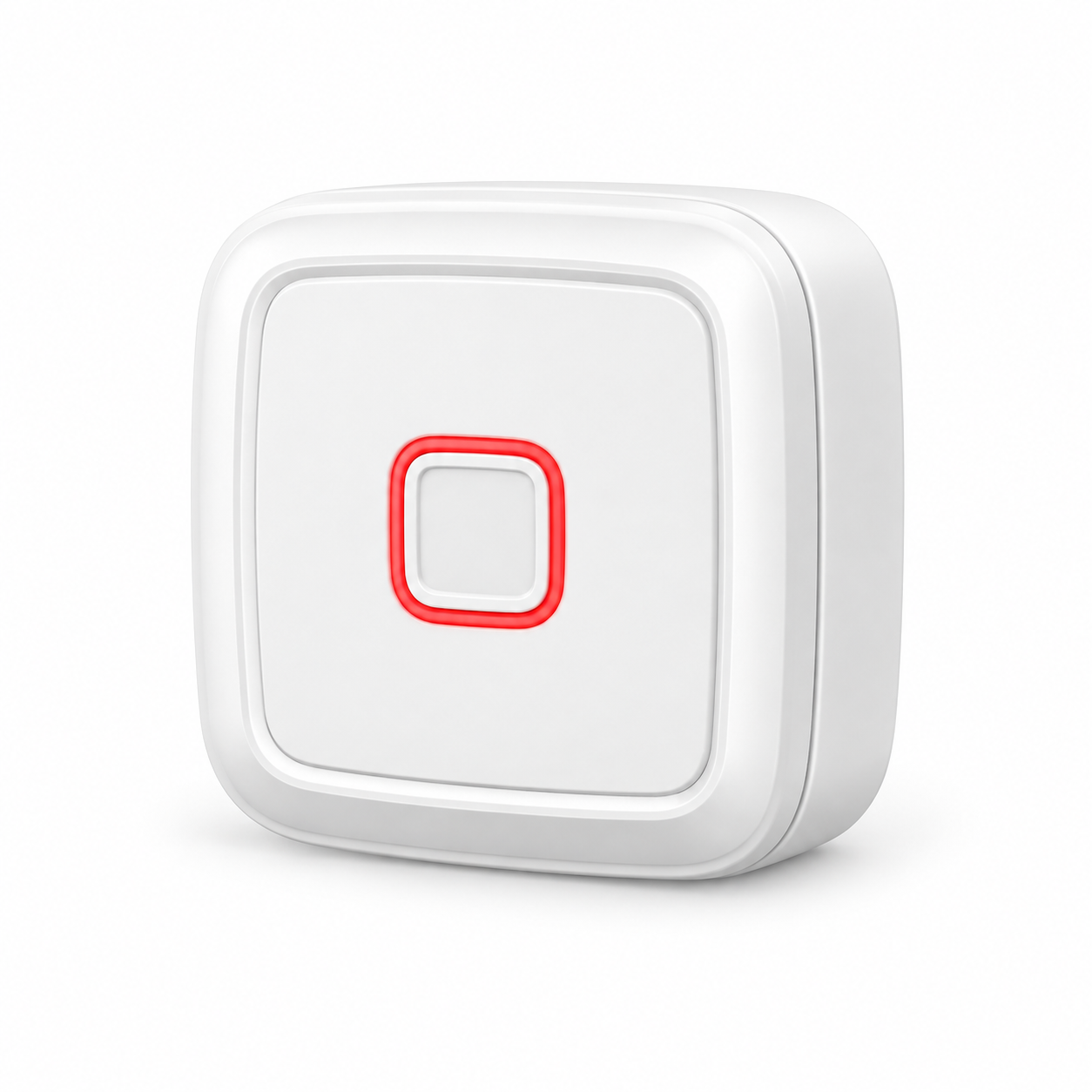
A fixed alert button for desks, counters and planned indoor wall locations. Put it within easy reach and associate each button with its installed location.
Connection
LoRaWAN
Placement
Indoor only · fixed location
Specifications & installation +
configured deployment
Indoor fixed-button installation
Radio
LoRaWAN 1.0.3
Bluetooth
BLE 4.2
LoRa transmit power
Up to 22 dBm
LoRa sensitivity
−137 dBm at SF12
BLE transmit power
Up to 4 dBm
Battery
5,200 mAh; replaceable
Dimensions
74 × 74 × 23 mm
Weight
119.3 g
Hardware temperature
−20 to +60°C
Hardware humidity
5–95%
Power switch
Magnetic switch
Location
Configured fixed location; no GPS
Battery life
Up to 3 years*
Alert connection
The fixed button sends an alert over the site radio network to the Gateway. The configured location identifies the installed alert point.
Placement and power
For indoor desks, counters and planned wall locations. Replaceable battery lasts up to 3 years; runtime varies with configuration and use.
Installation planning
Confirm reach, radio coverage and activation behavior during commissioning. This fixed button does not provide GPS location.
For configured indoor deployments. Activation behavior is configured for the installation. Manufacturer hardware capabilities do not imply enabled system features. Coverage is confirmed through site planning. Up to 3 years battery life; actual runtime varies with configuration and use.
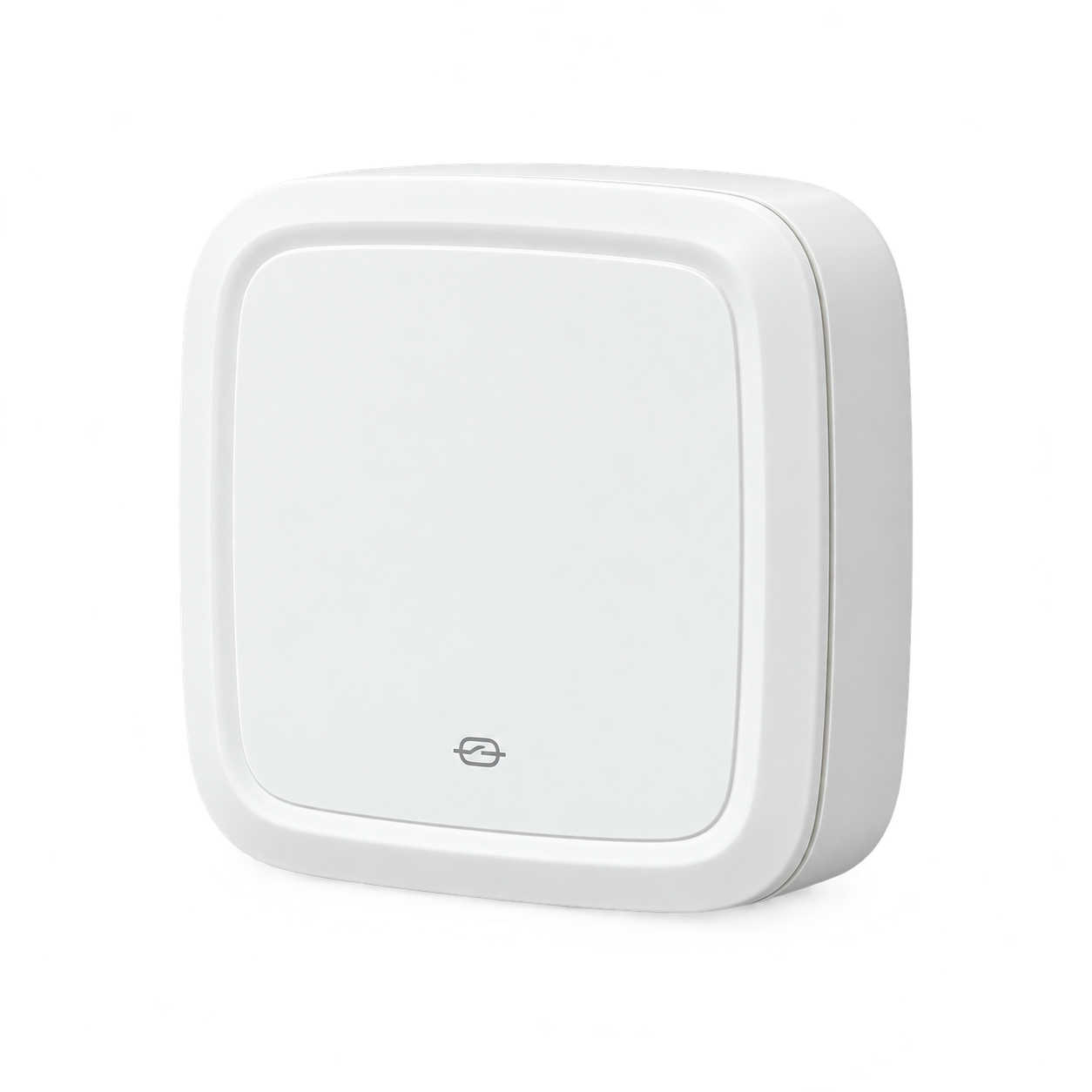
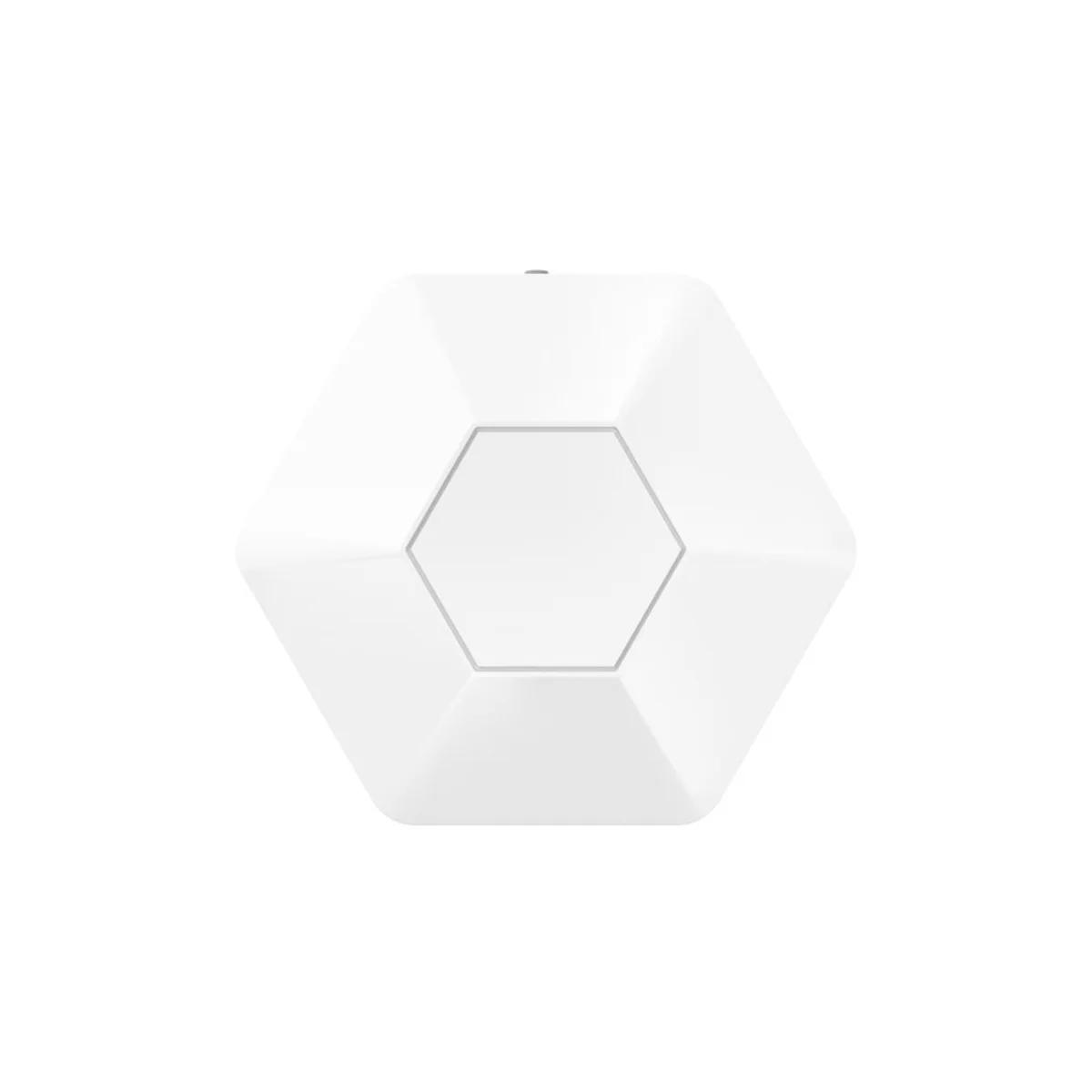
A fixed Bluetooth reference for rooms and hallways. Nearby Staff Badges use these references to add area context to an indoor alert.
Connection
Bluetooth
Placement
Indoor rooms and hallways
Specifications & installation +
Connectivity
Bluetooth Low Energy 5.1
Dimensions
74 × 74 × 23 mm
Enclosure
White PC + ASA
Battery option 1
10,400 mAh Li-SOCl₂
Battery option 2
6,400 mAh alkaline
Weight
125 g lithium; 145 g alkaline
Ingress protection
IP67
Temperature: lithium
−20 to +60°C
Temperature: alkaline
0 to +40°C
Mounting
Adhesive or bracket
Indicator
Red / green / blue circular LED
Sensor
Accelerometer
Optional hardware
Buzzer, temperature sensor, flash
Battery life
Up to 5 years*
Location reference
The beacon broadcasts a fixed Bluetooth reference. Nearby staff badges use these reference points for indoor location context.
Power and placement
Battery operation avoids a dedicated power cable. Select lithium or alkaline configuration, then plan mounting around rooms and hallways.
Battery planning
Up to 5 years. Runtime varies with configuration and use. Plan battery replacement with the installation service schedule.
Battery and optional hardware depend on the selected configuration. Placement is planned by room and hallway. Up to 5 years battery life; actual runtime varies with configuration and use.
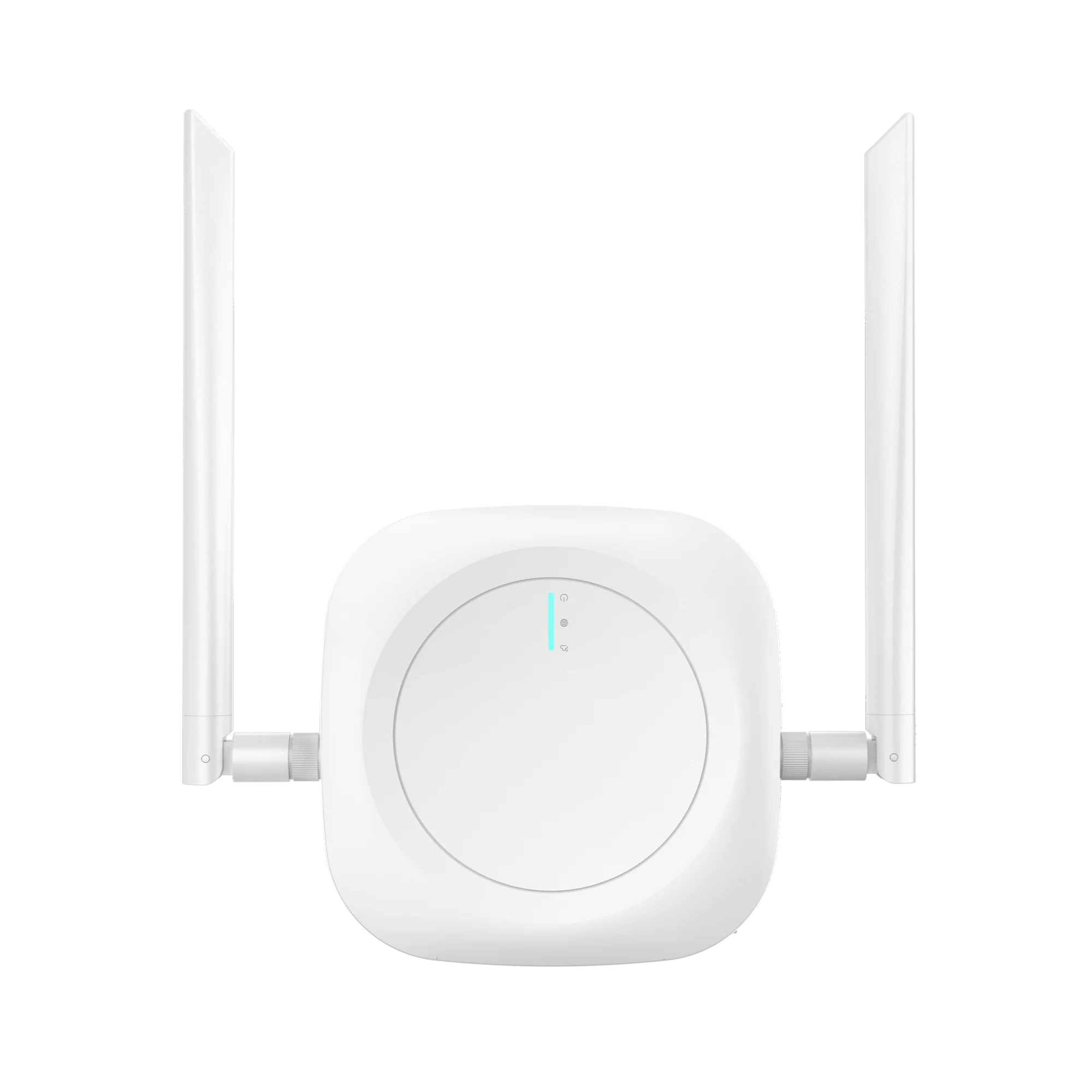
Receives device radio traffic and connects it to the site network. Specify the radio region, antenna placement and power connection for your building.
Connection
LoRaWAN → Ethernet
Placement
Planned indoor installation
Specifications & installation +
Memory
128 MB DDR; 32 MB flash
Ethernet
RJ45 connector
Wi-Fi
2.4 GHz
Radio region
Selected to match deployment region
DC input
12 V / 1 A
PoE input
IEEE 802.3af; 42–57 VDC
Micro USB input
5 V / 2 A
Dimensions
194.4 × 120 × 22.5 mm¹
Weight
215 g
Operating temperature
−20 to +55°C
LoRa transmit power
Up to 23 dBm
LoRa sensitivity
−141 dBm; SF12, 125 kHz bandwidth
Radio to network
Receives traffic from configured radio devices and links it to the site network. The Site Hub hosts the network server and system software.
Power selection
Choose one supported power arrangement: 12 V DC, IEEE 802.3af PoE, or 5 V / 2 A Micro USB. Specify the method during installation planning.
Coverage and connectivity
Plan radio region, antenna position, network access and placement for the building. The gateway requires power; it is not a battery-operated field device.
¹Manufacturer overall dimensions; see hardware configuration for antenna positioning. Radio region, power method and network configuration are specified for the deployment. Coverage is site-dependent.
Receives nearby Bluetooth signals and forwards supported data over the radio network. Adds a local reception path and supports beacon-health reporting.
Connection
Bluetooth → LoRaWAN
Placement
Indoor · coverage planned per site
Specifications & installation +
Radio
LoRaWAN 1.0.3
Bluetooth
BLE 5.0
BLE scanning
1M PHY and Coded PHY
Battery
4,200 mAh rechargeable
Dimensions
122.7 × 109 × 36 mm
Enclosure
White ABS
Data handling
Configurable scan and reporting strategies
Filtering
RSSI, MAC, name and raw-data filters¹
Status reporting
Low-power and shutdown uplinks¹
Deployment role
Nearby Bluetooth backup path; beacon health
Battery life
Up to 30 days; rechargeable*
Additional reception path
Nearby Bluetooth badge and button signals are received and forwarded over the site radio network. This supports an additional path alongside the planned primary radio path.
Health visibility
Supports reporting of nearby beacon health. Scan strategy, filters and reporting intervals are configured for the installation.
Battery and coverage
Rechargeable battery lasts up to 30 days between charges. Runtime varies with scan settings, configuration and use.
¹Underlying hardware capabilities; enabled functions depend on deployment configuration. This receiver provides another radio path and does not guarantee delivery or replace planned network coverage. Up to 30 days between charges; actual runtime varies with configuration and use.
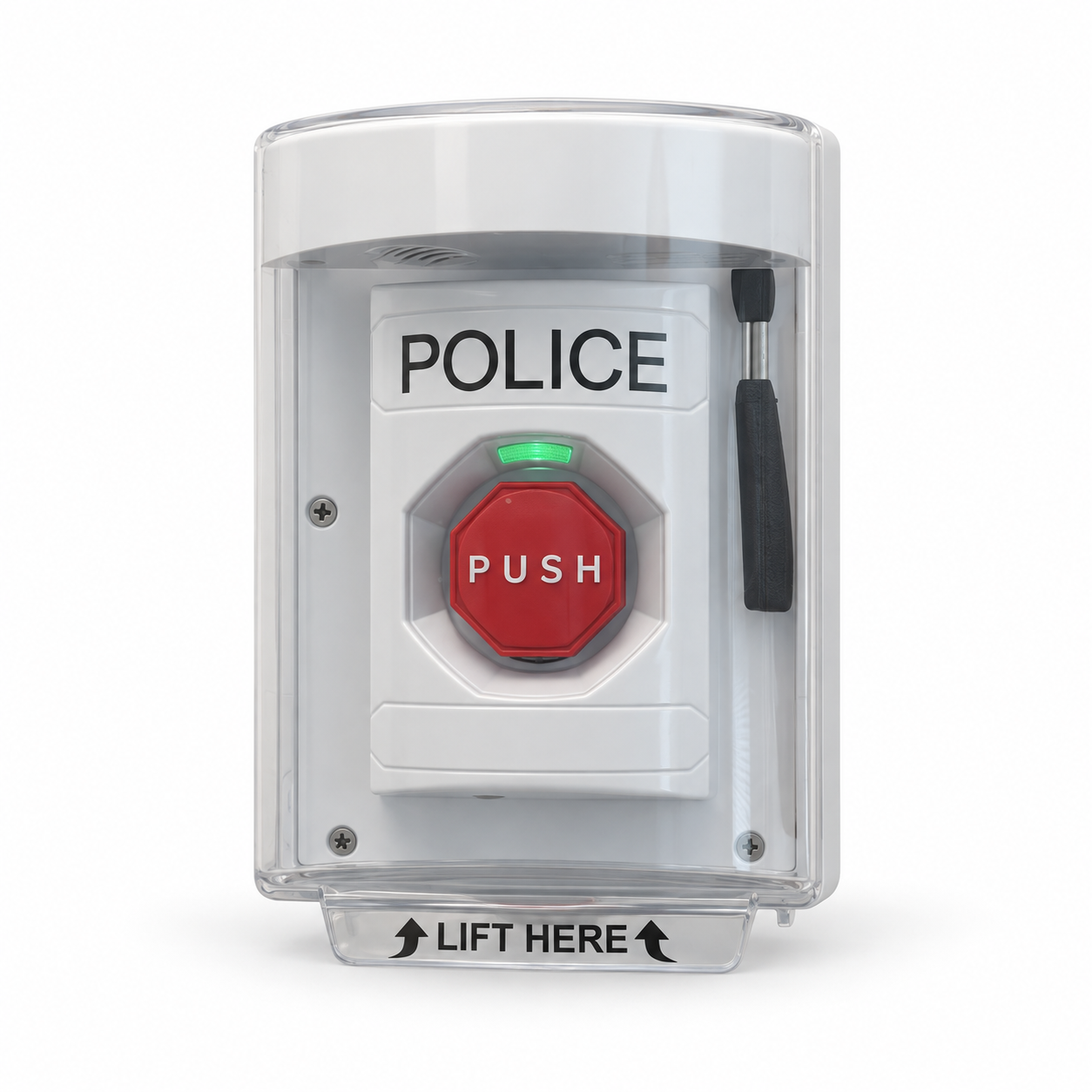
A prominent fixed alert station with a lift-up protective cover and a large push button. Wired4Safety integrates the station with its radio system for placement at planned public-facing locations.
Connection
Configured radio connection
Placement
Fixed mounting · enclosure assessed
Specifications & installation +
Product type
Covered fixed alert station
Activation
Lift cover, then press button
Placement
Wall-mounted at a planned location
Location
Configured fixed location; no GPS
Protective cover
Clear lift-up cover; pictured assembly
System integration
Radio behavior configured per deployment
Activation and location
Lift the protective cover, then press the button. The station is associated with its configured installation location; it does not provide GPS.
Radio integration
The station’s radio behavior is configured for the selected installation. Confirm the receiving infrastructure during deployment planning.
Selected configuration
Enclosure, power supply, magnetic/tamper behavior and environmental ratings are confirmed for the selected station configuration.
Power, enclosure and environmental specifications are confirmed with the selected station configuration.
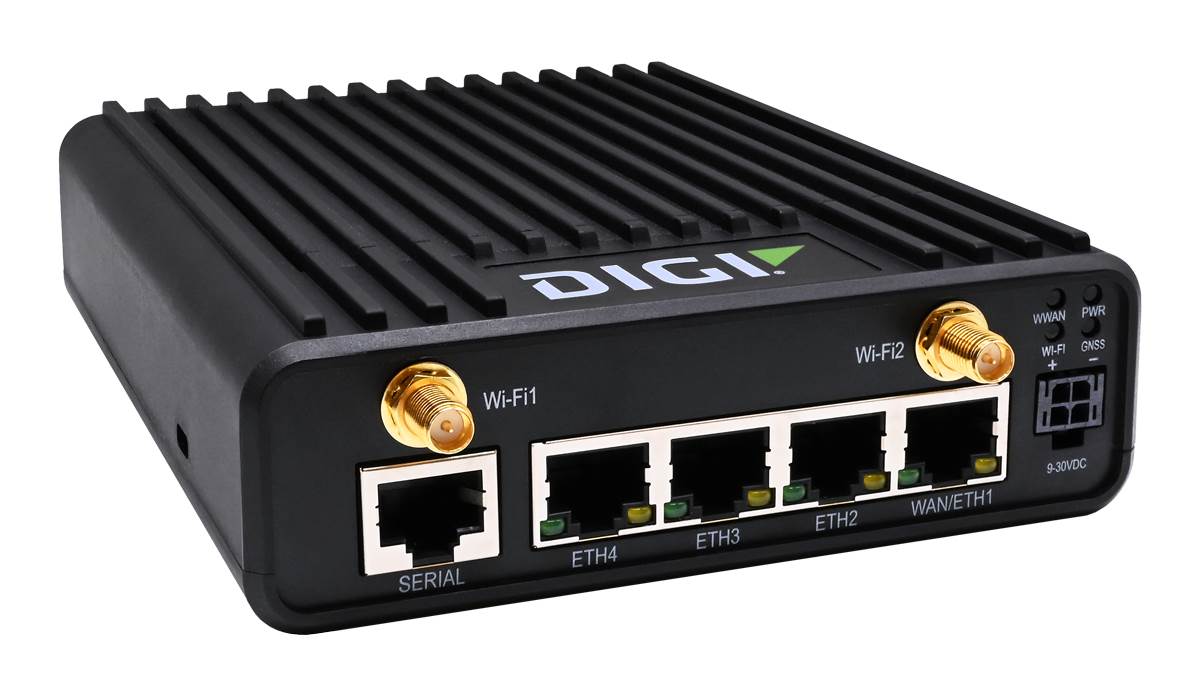
The Site Hub provides the on-site networking and compute platform for Wired4Safety software and the network server. Ethernet connects local infrastructure, with Wi-Fi and cellular connectivity. The Wired4Safety server runs on the hub, removing the need for a separate mini PC.
Connection
Ethernet · Wi-Fi / cellular options
Placement
Protected indoor or vehicle installation
Specifications & installation +
Hardware platform
Digi IX25 family
Processor
1.2 GHz quad-core ARM Cortex-A53
Memory
1 GB DDR; 8 GB eMMC
Ethernet
4 × 10/100/1000 Mbps RJ45
Serial
RJ50; software-selectable RS-232/485
Digital I/O
2 inputs/outputs
Cellular
Supported; modem variant depends on part number¹
Wi-Fi
Supported; exact variant confirmed at ordering¹
Power input
9–30 VDC or USB-C Power Delivery
Dimensions
146 × 118 × 38 mm
Weight
590 g
Ingress protection
IP30
Mounting
Shelf or optional DIN-rail bracket
On-site server
Hosts the network server and software on the networking platform. This deployment no longer requires a separate mini PC.
Network connection
Connects the Gateway and site infrastructure through Ethernet, with Wi-Fi and cellular capability. Exact cellular and Wi-Fi variants depend on the ordered configuration.
Power and service
Requires 9–30 V DC or USB-C Power Delivery. Antennas, cellular service and subscriptions are specified separately for the deployment.
¹Connectivity depends on the IX25 part number. Cellular service, antennas, subscriptions and optional functions are specified separately. Hardware shown is Digi IX25; System configuration is specified for the installation.
An outdoor radio gateway paired with solar battery and an 80W solar panel supports planned deployments where utility power is unavailable. Wired4Safety sizes placement and connectivity for the property.
Connection
8-channel US915 · LTE backhaul
Placement
Outdoor · mounting and power planned
Specifications & installation +
LoRa channels
8; US915 band
Backhaul
Ethernet, Wi-Fi and LTE Cat 4
Gateway protection
IP67
Gateway dimensions
240 × 240 × 89.5 mm
Gateway temperature
−30 to +55°C
Battery chemistry
Lithium iron phosphate (LiFePO₄)
Battery rating
50 Ah; 12.8 V; 640 Wh nominal
Battery enclosure
IP65; 499 × 280 × 75 mm (±3 mm)
Solar panel
80W monocrystalline; ±3% peak power
Panel operating point
18.24 V at 4.39 A
Panel dimensions
730 × 670 × 30 mm
Panel temperature
−40 to +85°C
Field radio reception
Receives outdoor radio alerts using 8 channels in the US915 band. Ethernet, Wi-Fi and LTE provide backhaul options for the planned installation.
Solar power path
The 80 W panel charges the matched solar battery system, which powers the gateway. The panel must not be connected directly to the gateway.
Runtime planning
Solar charging provides stored backup power. Available operating time depends on sunlight, equipment load, climate and installation; no fixed autonomy duration is promised.
Component ratings apply separately, not to the entire assembly. Use the matched solar battery power system; do not connect the panel directly to the gateway. Runtime depends on sunlight, load, climate and installation. deployment configuration: 8 LoRa channels with LTE.
A rechargeable BLE panic button with selectable silent, buzzer, LED and vibration feedback. Staff duress in hotels, schools and healthcare.
Connection
BLE 5.0
Placement
Lanyard; adhesive installation supported by manufacturer brief.
Specifications & installation +
Connectivity
BLE 5.0
Dimensions
73.1 × 40.6 × 16.9 mm
Ingress rating
IP65
Battery
500 mAh rechargeable; USB Type-C charging
Sensors and feedback
Accelerometer, buzzer and motor
Operating temperature
−20°C to +60°C
Placement
Lanyard; adhesive installation supported by manufacturer brief.
Connection planning
Specify the receiving infrastructure, device configuration and response or monitoring workflow before deployment.
Confirm the receiving Bluetooth infrastructure, alert behavior and Wired4Safety integration for your project. Wired4Safety integration and enabled features are confirmed per deployment.
An ID-card holder and BLE duress button with LED and audible feedback. Teams that wear ID cards in offices, healthcare and construction.
Connection
BLE 5.0
Placement
Horizontal or vertical lanyard; standard CR80 card holder.
Specifications & installation +
Connectivity
BLE 5.0
Dimensions
98.0 × 65.2 × 8.5 mm
Ingress rating
IP66
Battery
800 mAh non-replaceable
Weight
35 g
Card format
CR80 IC card
Placement
Horizontal or vertical lanyard; standard CR80 card holder.
Connection planning
Specify the receiving infrastructure, device configuration and response or monitoring workflow before deployment.
RFID/NFC and access-control compatibility require confirmation. Specify the B2 model; B2R is a separate variant. Wired4Safety integration and enabled features are confirmed per deployment.
A compact BLE emergency button with a large circular trigger and colored LED reminders. Fixed help points or portable assistance buttons in schools and care settings.
Connection
BLE 5.0
Placement
3M adhesive or lanyard.
Specifications & installation +
Connectivity
BLE 5.0
Body dimensions
48.0 mm diameter × 15.3 mm
Button diameter
35 mm
Weight
20 g
Battery
600 mAh replaceable
Indicators
Circular red, green and blue LED
Placement
3M adhesive or lanyard.
Connection planning
Specify the receiving infrastructure, device configuration and response or monitoring workflow before deployment.
Confirm and test the selected trigger behavior and receiving Bluetooth infrastructure. Installation exposure is assessed per project. Wired4Safety integration and enabled features are confirmed per deployment.
A wrist-worn BLE beacon with an emergency button and motion sensor. Wearable assistance and personnel visibility where a badge is inconvenient.
Connection
Bluetooth 5.0
Placement
Wrist strap, keychain or neck chain styles.
Specifications & installation +
Connectivity
Bluetooth 5.0
Beacon formats
iBeacon and Eddystone
Motion sensor
3-axis accelerometer
Battery
Replaceable CR2032
Ingress rating
IP67
Button options
Soft rubber or regular button
Placement
Wrist strap, keychain or neck chain styles.
Connection planning
Specify the receiving infrastructure, device configuration and response or monitoring workflow before deployment.
Motion sensing does not establish validated fall detection or medical alarm performance. Specify W6; W6R is a separate variant. Wired4Safety integration and enabled features are confirmed per deployment.
A curved helmet-mounted BLE tag with a dedicated assistance button and motion sensing. Personnel visibility and assistance signaling on construction and industrial sites.
Connection
BLE 5.0
Placement
3M tape or hook-and-loop attachment inside a helmet.
Specifications & installation +
Connectivity
BLE 5.0
Dimensions
57.4 × 41.4 × 18.7 mm
Ingress rating
IP67
Battery
550 mAh replaceable
Motion sensor
3-axis accelerometer
Operating temperature
−20°C to +60°C
Placement
3M tape or hook-and-loop attachment inside a helmet.
Connection planning
Specify the receiving infrastructure, device configuration and response or monitoring workflow before deployment.
Confirm attachment with the helmet supplier. Buzzer and RFID/NFC options depend on configuration; no hazardous-area approval is asserted. Wired4Safety integration and enabled features are confirmed per deployment.
A BLE condition sensor offering environmental, door-state and motion measurements. Cargo conditions, storage areas and facility environmental monitoring.
Connection
Bluetooth Low Energy
Placement
Sticker, screw or zip-tie mounting; rotating battery cover.
Specifications & installation +
Connectivity
Bluetooth Low Energy
Ingress rating
IP67
Battery
1000 mAh replaceable
Sensors listed
Temperature/humidity, Hall effect, accelerometer, barometric pressure
Temperature accuracy
±0.5°C from 0°C to 60°C
Humidity accuracy
±2% RH from 20% to 80% RH
Placement
Sticker, screw or zip-tie mounting; rotating battery cover.
Connection planning
Specify the receiving infrastructure, device configuration and response or monitoring workflow before deployment.
Confirm the ordered sensor options and reporting intervals. This condition sensor is not a life-safety gas or fire detector. Wired4Safety integration and enabled features are confirmed per deployment.
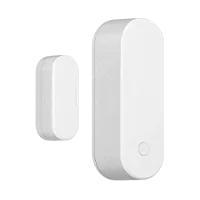
A magnetic BLE sensor for door and window opening or closing events. Doors, cabinets, storage areas and monitored access points.
Connection
BLE 5.0
Placement
3M adhesive or screw-mounted holder; body and magnet align across the opening.
Specifications & installation +
Connectivity
BLE 5.0
Body dimensions
77.5 × 27.0 × 24.7 mm
Magnet dimensions
40.0 × 16.0 × 15.0 mm
Sensor
Hall effect
Detection threshold
25 mm (1 inch)
Battery
ER14505 3.6 V, 2600 mAh, replaceable
Placement
3M adhesive or screw-mounted holder; body and magnet align across the opening.
Connection planning
Specify the receiving infrastructure, device configuration and response or monitoring workflow before deployment.
Status sensing does not provide locking or access authorization. Remote notifications require a compatible gateway and configured platform. Confirm installation exposure. Wired4Safety integration and enabled features are confirmed per deployment.
A compact LoRaWAN asset tracker for indoor and outdoor positioning projects. Equipment and movable assets across industrial, construction and logistics sites.
Connection
LoRaWAN 1.0.3
Placement
Screws, double-sided tape or optional magnetic attachment.
Specifications & installation +
Connectivity
LoRaWAN 1.0.3
Dimensions
94.6 × 51.7 × 22.8 mm
Ingress rating
IP67
Battery
1 × ER14505, 2600 mAh
Housing
ASA + PC
Operating temperature
−40°C to +80°C
Placement
Screws, double-sided tape or optional magnetic attachment.
Connection planning
Specify the receiving infrastructure, device configuration and response or monitoring workflow before deployment.
Specify the exact MTP model, radio region, firmware, payload and positioning services. MT is a separate hardware variant; location performance depends on deployment. Wired4Safety integration and enabled features are confirmed per deployment.
¹ Runtime figures are source documentation estimates for the documented configuration; settings, reporting frequency and use affect battery life. Indoor room context uses Room Beacons. Outdoor GPS applies to the Staff Badge; mobile alerts require a paired phone and its connectivity. Final configuration and availability are confirmed during planning.
FROM THE DEVICE TO YOUR TEAM
Put the pieces together.
A device starts the signal. Your site design determines the connection, location context and response workflow.
01 / ACTIVATE
Press for help.
Equip staff with a wearable badge or place a fixed button at a planned indoor location.
¹ Source documentation estimates; actual runtime varies with configuration and use. LivePoint Standard is for indoor installation and is not outdoor rated. Radio region, enabled features and installation requirements must match the selected deployment.
KEEP VALUABLE INFRASTRUCTURE
Bring your existing panels into the plan.
A legacy panel upgrade can sit alongside your new safety package. Start with your installed system, the signals it can expose and the response workflow you need.
Compatibility is assessed by model and installation. Manufacturer names identify existing equipment and do not imply a partnership or blanket approval.
Bring the system details
Panel model, firmware, communicator and expansion modules.
Map the signals
Zone schedule, device inventory, monitoring path and required events.
Confirm the installation
Supported interface, event mapping, coverage and acceptance checks.