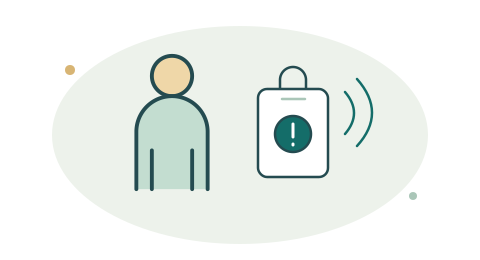
App and wearable alerts
Plan app or paired wearable activation around the field assignment. Keep phone connectivity, Bluetooth reach, and required permissions in the readiness check.
Explore mobile devicesMobile teams
Plan assistance workflows for field staff, property agents, and other people working away from a fixed site.

Connected safety at work
Connect field staff with designated contacts and the location information available from their phone.
Plan app or paired wearable activation around the field assignment. Keep phone connectivity, Bluetooth reach, and required permissions in the readiness check.
Explore mobile devices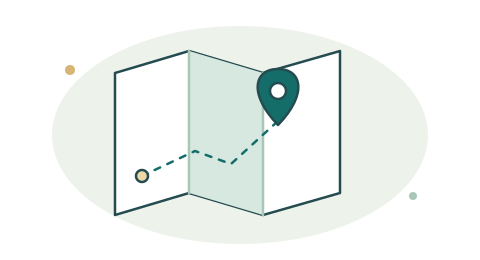
Share available phone position and supplied visit details with the assistance request. Let responders know where the work is taking place.
Explore location context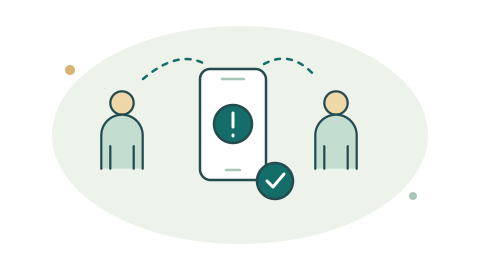
Choose primary and fallback contacts for each field role. Bring acknowledgement and response activity into Command so the team can follow the request.
See the response workflow
Test representative visits, connectivity conditions, and escalation procedures. Review the response record with the people responsible for each assignment.
Plan your field workflowTHE WORKING ENVIRONMENT
PRIORITIES TO PLAN FOR
AN EXAMPLE WORKFLOW
Location, connectivity, and response routing depend on the configured system.
ALREADY HAVE A SYSTEM?
Include installed DSC, Honeywell, or Napco panels in the assessment. A LoRa upgrade can be planned alongside personal alert devices and new response workflows.
Explore legacy upgradesStart with the panel model, device and zone inventory, existing monitoring arrangements, and the signals your response team needs. Confirm the supported interface and event mapping before choosing an upgrade path.
LET’S CONNECT THE NEXT STEP
Map your equipment, your people, and the response you want to support.